See who's around
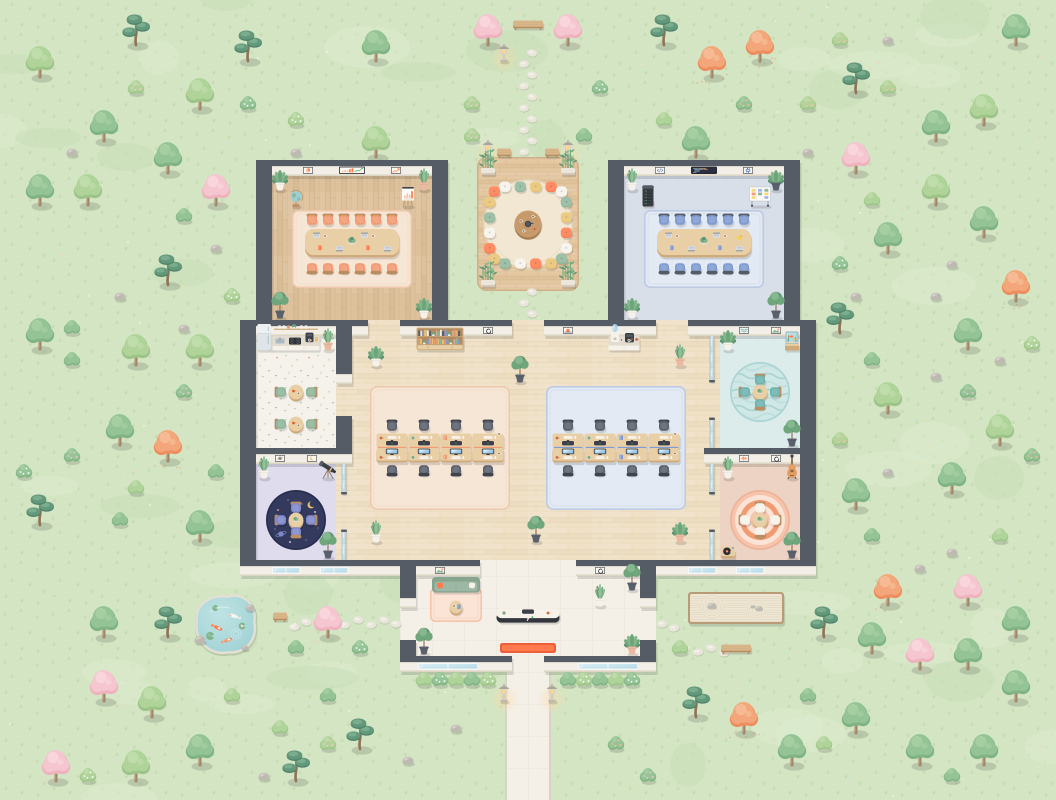
Everyone is on the map, at their desk or in a room. The dot next to each name says who's free, busy, away or in a meeting.
 Campus
The whole team in one office, on your screen. See who's at their desk, walk up to a colleague, and you're talking in Google Meet.
Use your @yuman.io account.
 BIZ
Devs
Atlas
📅 Weekly sync
Borealis
📅 Kickoff
Cosmos
● 2 in call
Delta
Echo
Ada Lovelace
Available · Deep work until 3pm
Today
A quick question doesn't need a calendar invite. You see who's free and you go over.
Everyone is on the map, at their desk or in a room. The dot next to each name says who's free, busy, away or in a meeting.
Stand next to a colleague and press T. When they join, Google Meet opens for both of you. People walking by can join too.
When a meeting on your calendar starts, a car rides you to a free room. The room shows what's on, and colleagues who walk in can join.
Invite a colleague from their card and their phone rings, even when the office isn't open on their screen. If they miss it, they see who called.
You arrive in the lobby. Your colleagues are a few steps away.
